Separate cosmetic and functional changes
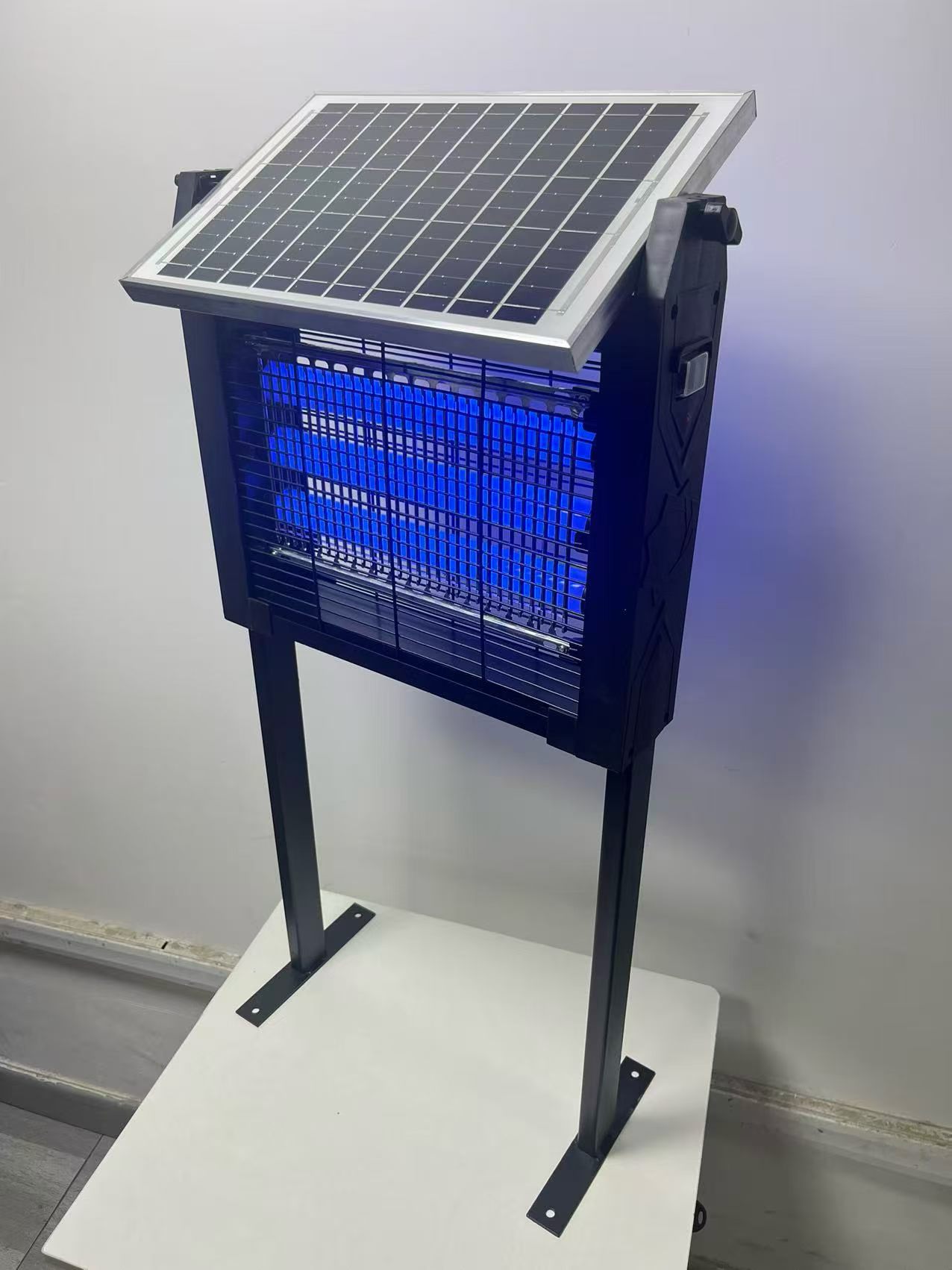
Start an OEM project from the closest existing model. Identify which changes are visual and which alter the operating configuration. This helps the supplier explain feasibility, sample scope, minimum quantity, and timing without mixing unrelated approvals.
Compare your options
| Consideration | What to check | Buying decision |
|---|---|---|
| Cosmetic | Logo, housing color, and printed graphics. | Approve the visual reference and artwork. |
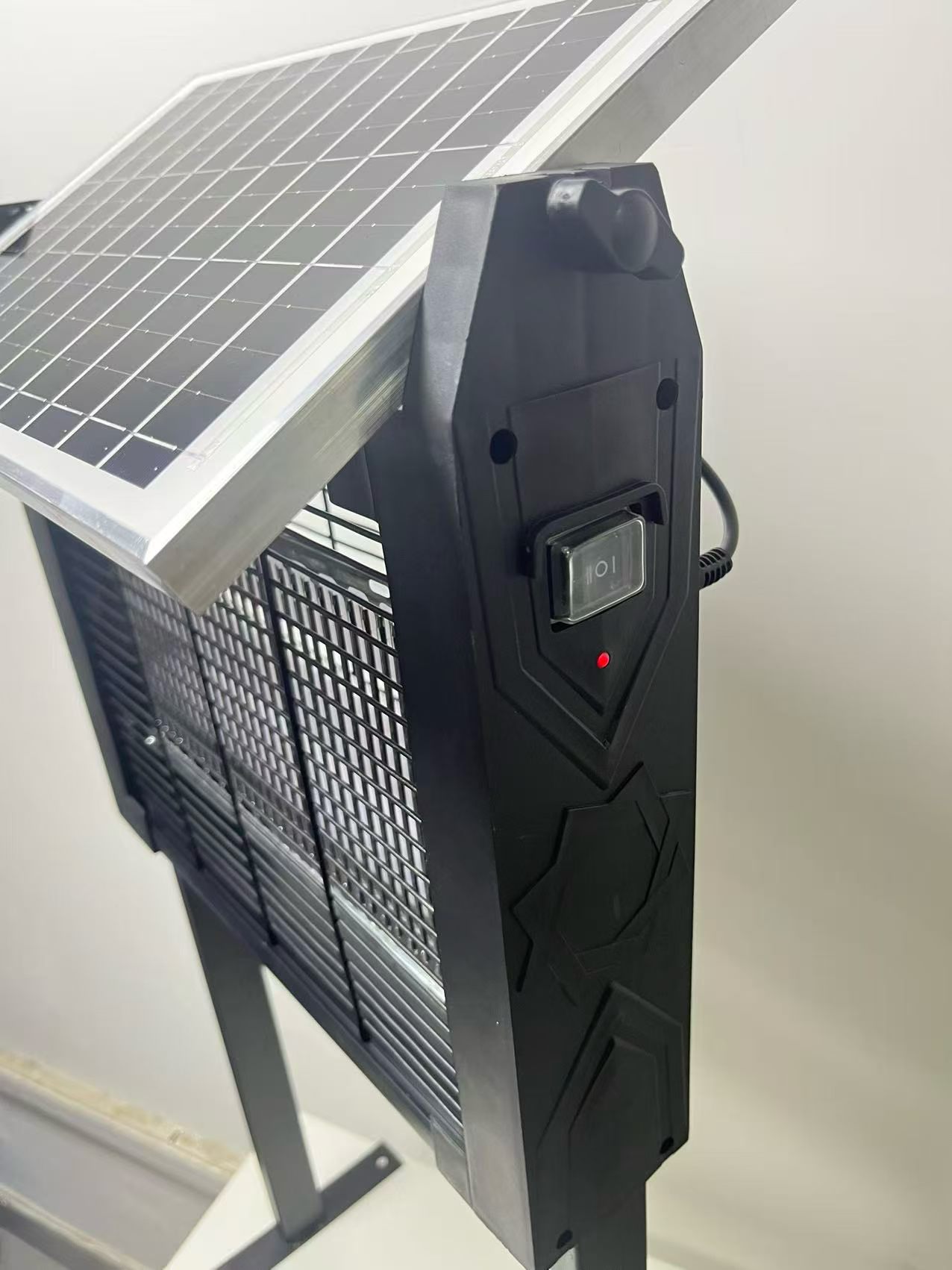
| Functional | Power configuration, controls, or accessories. | Confirm the applicable specification and sample. |
| Packaging | Box, insert, barcode, and carton. | Match the final product version. |
OEM scope by layer
Group requests into product, branding, packaging, and shipment layers so every approval has a clear owner.
- Housing and operating configuration
- Logo position and color direction
- Color box, insert card, and barcode
- Master carton and shipping marks
From sample to mass production
Record what the sample proves and which details will still change before production.
- Physical appearance and assembly
- Charging and operating mode
- Temporary versus final artwork
- Approved revision and release date
Before you decide
Keep one release sheet showing the agreed configuration and file names. If packaging is approved before the product configuration is final, mark it as provisional. The finished instructions must describe the version that will actually ship.
- Select the closest base model before requesting changes
- Separate logo and packaging from functional options
- Confirm artwork ownership and approval files
- Release production only after one consolidated review
Planning an order? Review samples and MOQ or send the model and application to the factory.