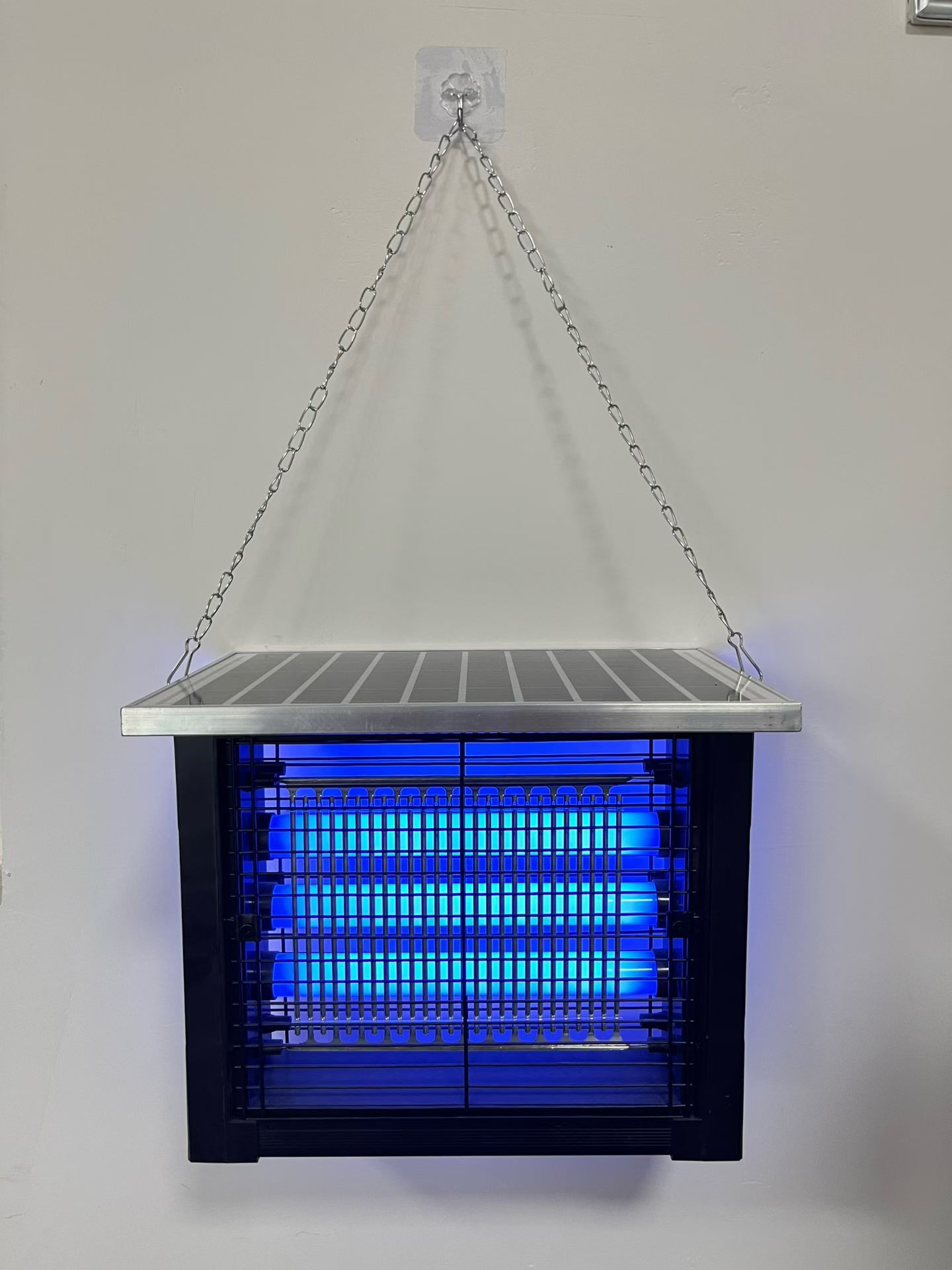
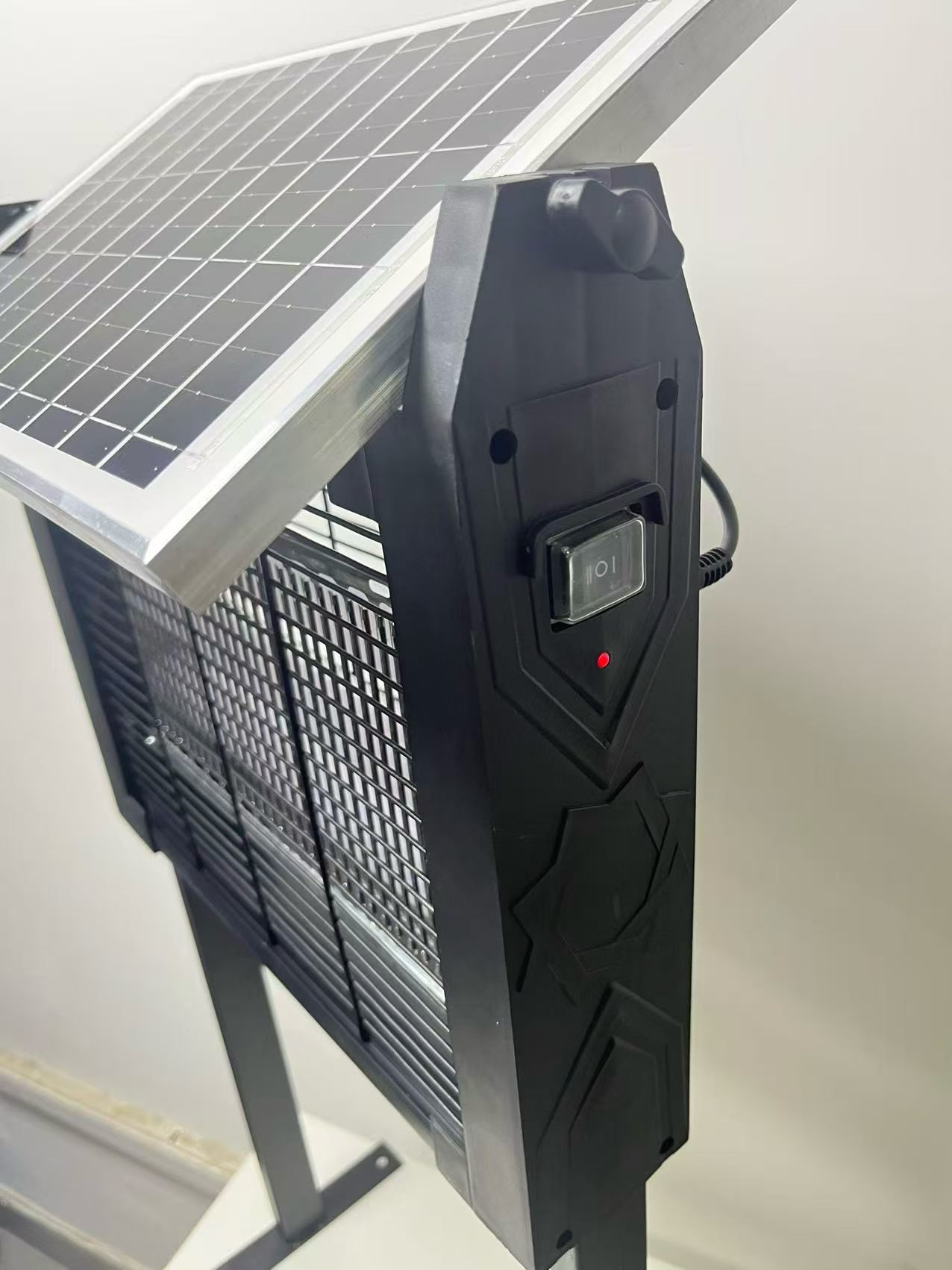
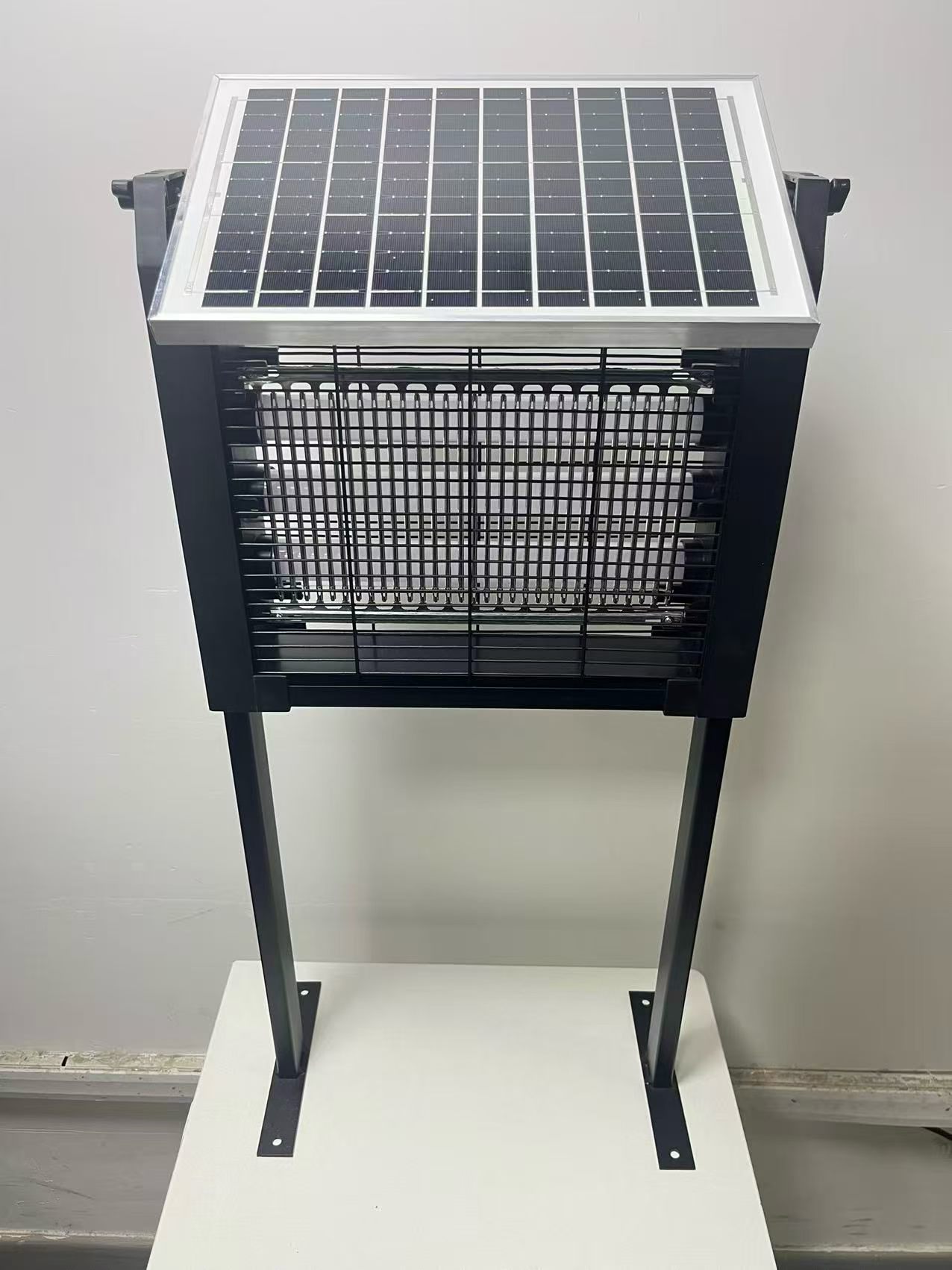
Make the first setup easy
The retail box should help a customer identify the product and understand the first setup. Use the insert for the complete operating and care instructions. Check the physical packing with the actual accessories, because artwork alone cannot show whether parts remain secure.
Compare your options
| Consideration | What to check | Buying decision |
|---|---|---|
| Front of box | Name the product and intended use clearly. | Keep the main message readable. |
| Side or back | Show included parts and power requirements. | Help customers prepare for setup. |
| Inside | Secure accessories and include the correct instructions. | Check the packed sample before approval. |
Packaging information hierarchy
The front, side, back, and insert should each have a clear job so buyers can understand the product without overcrowding the box.
- Product name and primary use scene
- Power and operating method
- Included parts and setup guidance
- Maintenance, storage, and safety information
Approval and shipment checks
Digital artwork approval should be followed by a check of the actual packed product and master carton.
- Final dieline and print files
- Barcode and market labels
- Accessory placement inside the box
- Carton quantity and shipping marks
Before you decide
Scan the barcode on a printed proof where applicable, check model names across panels, and compare the insert against the controls on the sample. Confirm which artwork revision is final before the supplier prints the production quantity.
- Define the package around the product and included accessories
- Keep customer-facing claims aligned with the approved model
- Confirm barcode, labels, inserts, and carton marks
- Approve both artwork and physical packing arrangement
Planning an order? Review samples and MOQ or send the model and application to the factory.